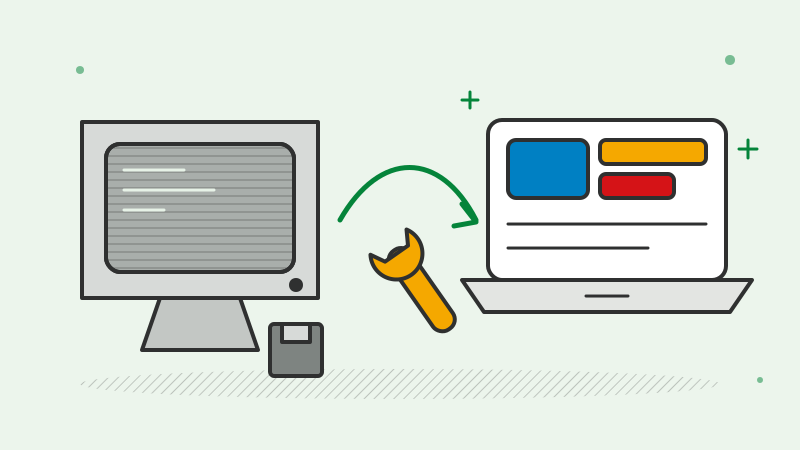
Most businesses have at least one system that everyone depends on and nobody wants to touch. It might be an old desktop application, or a web platform on an unsupported framework. It still works, but every change takes longer, hiring people who know the technology gets harder, and security updates stopped some time ago.
At some point, the question becomes: do we rewrite it, refactor it or replace it with something off the shelf? This guide sets out how to make that decision with less guesswork.
First, understand what you actually have
Before choosing an approach, assess the current system properly. Teams often skip this because they already “know” the system is bad, but the details usually surprise people.
A useful assessment covers:
- What the system does. List every function users rely on, including the reports, exports and workarounds that never made it into any documentation.
- Where the business rules live. In legacy systems, important logic often hides in stored procedures, scheduled jobs, spreadsheet macros or one person’s head.
- The state of the code. Is there version control? Tests? Can it be built and deployed reliably? Is the framework still supported?
- Integrations. Which other systems send data to it or take data from it, and in what format?
- The data. How much there is, how clean it is, and how much of it is still needed.
- The real pain. Slow changes, outages, security exposure, hosting costs or a key person about to retire. Be specific, because the cure depends on the problem.
The output should be a short document both technical and non-technical people can read. It becomes the basis for every decision that follows.
The three options
Refactor means improving the existing code in place: upgrading the framework, restructuring modules, adding tests, moving hosting to the cloud. The system keeps doing what it does, but becomes easier and safer to change. It suits systems whose design is broadly sound but whose code and infrastructure have aged.
Rewrite means building a new system to replace the old one, usually on a current technology stack. It suits systems where the underlying design no longer fits the business, or where the technology is so outdated that there is little worth keeping.
Replace means moving to an off-the-shelf product or SaaS platform and retiring the custom system. It suits processes that are standard in your industry and do not give you an advantage.
In practice, many modernisation projects combine all three: refactor the parts that are fine, rewrite the parts that are not, and replace the generic parts with a product.
Why big-bang rewrites are risky
The tempting plan is to build a complete new system alongside the old one, then switch over on a single weekend. This is called a big-bang rewrite, and it fails more often than people expect, for predictable reasons:
- The old system keeps changing. While the new one is being built, the business still needs fixes and new features in the old one. The target keeps moving.
- Hidden behaviour gets lost. Years of edge cases and undocumented rules sit in the old code. Many are only discovered after go-live, when something stops working.
- No value until the end. The business pays for months or years of development before anyone benefits.
- Switch-over risk is concentrated. If the cutover goes wrong, everything goes wrong at once.
A big-bang approach can work for small, well-understood systems. For anything central to the business, an incremental approach is usually safer.
The incremental approach: strangler fig
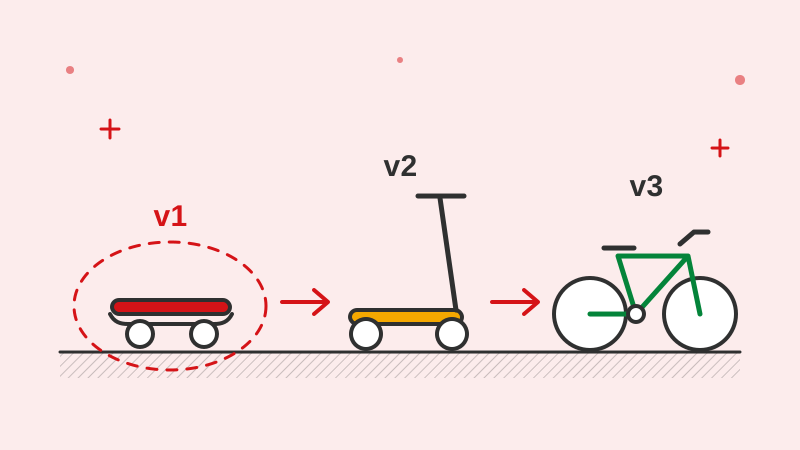
The strangler fig pattern takes its name from a plant that grows around a tree until it eventually replaces it. In software, it means replacing a legacy system one piece at a time, with the old and new running side by side.
A typical sequence looks like this:
- Put a layer in front of the old system, such as an API gateway or routing layer, so requests can be sent to either the old or new code.
- Pick one well-bounded area to move first. A good candidate is valuable, fairly self-contained and not the riskiest part of the system.
- Build the new version of that area, test it against the behaviour of the old one, and route real traffic to it gradually.
- Switch off the old part once the new one is proven.
- Repeat until little or nothing of the old system remains.
Each step delivers something usable and can be paused or rolled back without affecting the rest. The risk is spread out instead of concentrated on a single launch day. This is the approach we use for most legacy modernisation work.
Plan the data migration early
Data is often the hardest part of modernisation, and it is usually left too late. Start planning it from the assessment stage:
- Map old fields to new ones, and decide what to do with data that does not fit
- Clean data before moving it, not after; duplicates and inconsistent formats are easier to fix at the source
- Decide what to archive rather than migrate, especially very old records
- Write validation checks that compare record counts, totals and samples between old and new
- Run rehearsal migrations on copies of production data before the real one
- Agree on a rollback plan in case the live migration has problems
In an incremental approach, data often has to stay in sync between old and new systems for a while. Plan for that explicitly, with clear rules about which system is the source of truth for each type of record.
Keep the business running
Modernisation fails if it disrupts the work it is meant to support. A few habits help:
- Keep a small capacity for urgent fixes to the old system throughout the project
- Involve the people who use the system daily; they know the edge cases
- Train users on new screens before old ones are switched off
- Avoid cutovers during your busiest periods, such as month end or peak season
When off-the-shelf is the better choice
Custom software is not always the answer. Buying a product is often better when:
- The process is standard, such as accounting, payroll, HR or basic CRM
- A mature product covers most of what you need without heavy customisation
- Your team would rather configure software than maintain it
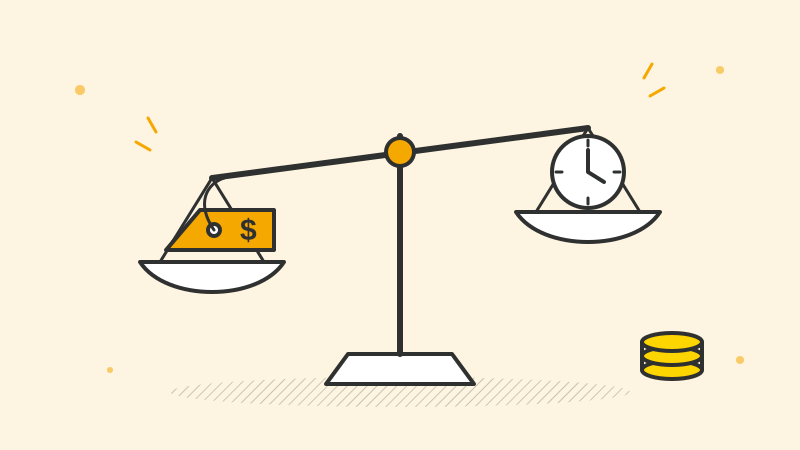
- The total cost of a subscription over several years is lower than building and supporting your own
Be wary of products that need so much customisation that you end up maintaining a custom system anyway, just on someone else’s platform. Check data export options too, so you are not locked in.
A decision checklist
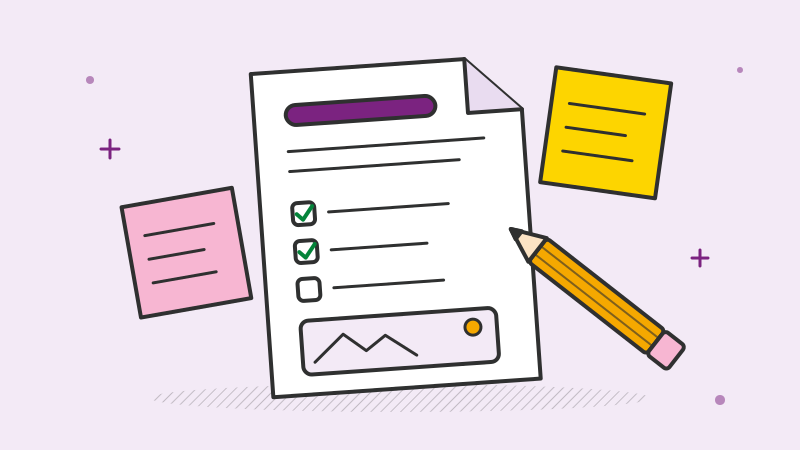
Work through these questions with your team:
- What exactly is the problem we are solving, and how will we know it is solved?
- Is the system’s design still a good fit for how the business works today?
- Can the current code be tested, built and deployed reliably?
- Is the underlying technology still supported and secure?
- Is this process a source of competitive advantage, or is it standard?
- Could we replace one part first and learn from it?
- How much data needs to move, and how clean is it?
- What would happen to the business if the switch-over went wrong?
If the design is sound and the problem is mainly old code or hosting, refactor. If the design no longer fits and the system is core to your business, rewrite incrementally. If the process is generic, look seriously at replacing it.
Talk it through with us
Dotqode has been working with clients abroad since 2018, and modernising older systems is a regular part of our work, either as an end-to-end project or with a dedicated team working inside your own tools. If you are preparing a brief for this kind of work, our guide on how to write a software project brief is a good place to start.
If you have a system that needs attention, get in touch. We will sign an NDA first, then help you assess what you have and choose the safest path forward.